
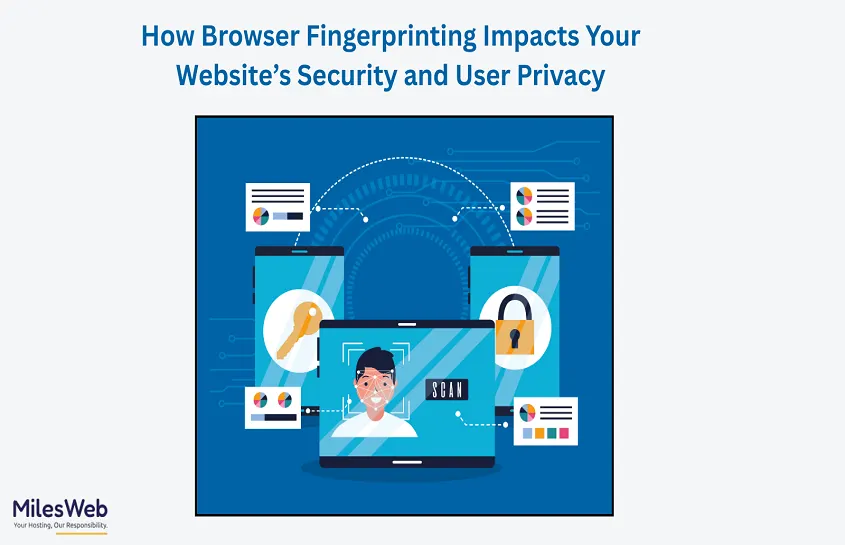
Browser fingerprinting is a robust and controversial internet tracking technology. Unlike cookies, fingerprinting tracks visitor identification that collects multiple browser and device attributes to identify visitors. It means the user carries a digital fingerprint following them across websites, often without consent. When you click the “accept all cookies” option on any website, your personal data is stored in the databases. And if any shopping website wants to secure it, they can choose the best hosting for an eCommerce website.
Browser fingerprinting is no longer an optional task for website owners. It affects the website’s security, protects users’ data, and complies with global data security norms. It is used as a shield to reduce privacy risks depending on how it’s implemented. In this blog, we’ll break down how it works, how it impacts your website, and what you must know to balance security with user trust. You get the complete security assurance with the hosting for Laravel.
What is Browser Fingerprinting?
Browser fingerprinting is a method that collects various device attributes like screen sizes, time zone, installed fonts, plugins, and browser version to create a unique ID for the visitor. Since those features differ individually by a wide margin, it results in unique device fingerprints globally. This makes it highly effective for long-term detection and fraud investigation.
Fingerprinting operates in the background. Rarely do users know it’s happening, which has led to discussions about ethics, tracking, and consent. However, while this method is comparatively more accurate than cookies, it needs to be used properly to avoid data privacy violations.
How Fingerprinting Improves Website Security?
Fingerprints block malicious bots, detect unusual login patterns, and identify high-risk devices. Bots have a uniform digital pattern where they share similar fingerprints. Too many similar fingerprints is detected by the browser as suspicious activity.
Hence, fingerprinting should be improved, especially for eCommerce, banking, SaaS, and membership platforms. When combined with behavioural analytics, it helps identify attacks like credential stuffing or session hijacking. Instead of relying only on passwords or IP addresses, fingerprinting adds smarter contextual security.
The Privacy Dangers
Once implemented, users have little option to opt out of fingerprinting. Even if they clear the cookies or enter incognito mode, this fingerprinting continues in the backend. This raises concerns under privacy laws such as GDPR, CCPA, and other regional legislation demanding transparency and end-user control over tracking methods.
If fingerprinting is deployed too aggressively for tracking, this behaviour can be perceived as user surveillance. This undermines trust, raises legal risk, and opens your website up to sanctions. Websites need to avoid collecting unnecessary data or tracking people by fingerprinting them across the web.
Fingerprinting and Ad Personalization
Many advertisers employ fingerprinting so they can still serve you targeted ads even if you block cookies. While that serves to keep its marketing personalized, it also toes the line on what’s legal. Regulators and privacy advocates say that tracking people’s fingerprints is invasive because users can’t easily opt out in the same way they can refuse cookies.
If your website is fingerprinting for advertising, you will also need to have a clear disclosure, a proper consent system, and not share the data indiscriminately. Failure to comply with the rules can result in a backlash or fines. Now more than ever, transparency is key, in particular as consumers become increasingly aware of tracking technologies.
How to Balance Fingerprinting with User Privacy?
The point is to do fingerprinting for security, not tracking. You should do your best if you are going to use it for fraud detection purposes. Don’t collect more data, and avoid cross-site tracking. A clear privacy disclosure of what data you are collecting and why it is needed. Transparency breeds credibility and compliance.
Furthermore, fingerprinting combined with other privacy-respecting features like encrypted sessions, secure cookies, and a vague data retention policy makes it a safer place for users as well as your company. Get the balance right, and you end up with strong protection of privacy as well as checks on user rights and ethical line crossing.
Conclusion
Browser fingerprinting invades data privacy and must be used with the utmost responsibility. If used ethically, it prevents fraud, blocks bots, and protects the website from sophisticated attacks. Misusing it will erode customer trust and cause legal and reputational harm to your business.
Fingerprinting should be used responsibly. With the new age of businesses storing and sharing data in the digital space, it is essential for governments to set regulation standards to avoid data breaches from third-party nations.